The biggest untapped audience for most creators isn't in their own language. A tutorial that does well in English has a Spanish-speaking audience 5x its size, a Hindi audience larger still, and a dozen more markets where almost no one is making the content they want. The reason more people don't go after those audiences is simple: re-recording everything in another language is expensive, slow, and usually requires a voice you don't have.
AI voice cloning collapses that barrier. You record your voice once, and from then on any script — in any language — comes back in your voice. This guide covers the full localization workflow: preparing visuals that travel across languages, cloning a voice cleanly, and producing narrated content in market after market without ever re-recording.
Why Localization Is the Highest-Leverage Move
Most creators optimize the wrong axis. They spend weeks squeezing 10% more reach out of a saturated home market when an entire untouched market sits one translation away.
| Approach | Effort | Ceiling |
|---|---|---|
| More content, same language | High | Diminishing — market is saturated |
| Ads to the same audience | High (paid) | Capped by budget |
| Localize existing wins | Low (reuse assets) | New markets, near-zero competition |
The math is compelling because localization reuses what already worked. Your visuals, your structure, your proven script — only the language changes. And with voice cloning, even the voice stays consistent, so your brand sounds like itself in every market.
Step 1: Prepare Visuals That Travel
Before you touch audio, get your images into a state where one set serves every language version. A few habits make this painless.
Normalize dimensions up front
Every localized version should use identical image dimensions so you're not re-editing layouts per language. Resize every image to your target frame once:
- Landscape / YouTube: 1920×1080
- Vertical / Shorts / Reels: 1080×1920
- Square feeds: 1080×1080
Crop out baked-in language
The most common localization trap is text burned into an image. If your source has an English label or caption inside the frame, crop it out or leave that region clear so translated on-screen text can sit there instead — no need to remaster the whole graphic per language.
Compress once, reuse everywhere
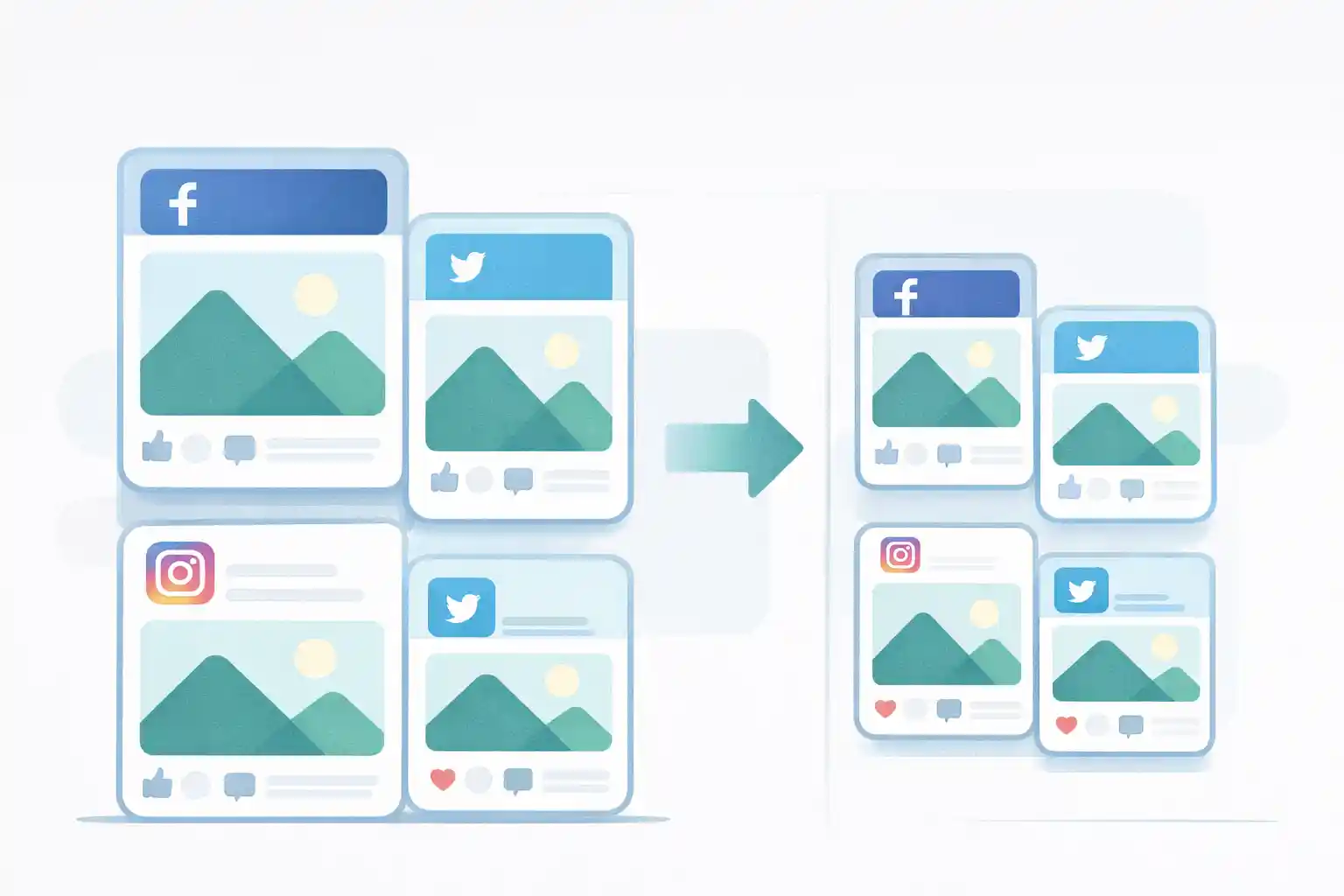
You'll upload the same visuals to platforms in a dozen regions, some on slow connections. A single compression pass cuts file sizes 70–90% so every regional upload is fast, and you never re-optimize per market.
Clean metadata before wide distribution
When content goes to markets you don't control, strip EXIF metadata from any photos you shot — GPS and device data shouldn't ride along into a global audience. If you're building a recognizable brand across regions, add a consistent watermark so reposts in any language still point home.
Step 2: Clone Your Voice Once
This is the unlock. Instead of hiring a different voice actor per language — or sounding like a robot — you create one voice model that speaks every language in your own voice.
We've had strong results with AnyVoice, an AI voice cloning platform built for exactly this:
- Open anyvoice.io and upload a clean audio sample of your voice
- The model builds a reusable voice from as little as 15 seconds of audio
- Paste any script and generate narration — the cloned voice reads it back naturally
- Download the audio as MP3 and drop it into your video or slideshow
A few things make it practical for localization specifically:
- Clone in ~15 seconds — a short, clean sample is enough to build the model
- 80+ languages and accents — the same cloned voice narrates market after market
- Watermark-free commercial downloads — safe for monetized channels and client work
- Consent controls — built-in consent logging and voice deletion, which matters when you're publishing at scale
Record your sample properly and everything downstream improves: a quiet room, a decent mic, and 30–60 seconds of natural speech (not word lists) gives the cleanest clone.
Step 3: Translate the Script, Not Just the Words
A voice clone will faithfully read whatever you give it — including an awkward machine translation. The script is still where localization lives or dies.
- Translate meaning, then adapt. Idioms, examples, and units rarely translate literally. "A quarter-pounder" means nothing where people use grams.
- Match sentence length to the language. German runs long; Japanese packs meaning tightly. Let the translated script breathe naturally rather than mirroring English pacing.
- Have a native speaker skim it. Even a quick pass catches the phrasing that reads as "translated by a foreigner."
- Read timing against your visuals. A translated line may be 30% longer — adjust how long each image holds so narration and slides stay in sync.
Step 4: Assemble Each Localized Version
With normalized visuals and a cloned voice, producing each language version is nearly mechanical:
- Generate the narration for that language's script in your cloned voice
- Drop it onto the timeline with your prepared images
- Swap any on-screen text for the translated version (this is why you left that region clear)
- Adjust image hold times to match the new narration length
- Export a localized thumbnail — translate the text, then compress it for fast loading
One set of visuals plus one cloned voice becomes five, ten, or twenty localized videos — each sounding like you, each native to its market.
Frequently Asked Questions
How much audio do I need to clone my voice?
Less than you'd think. Modern tools like AnyVoice build a usable voice model from about 15 seconds of clean audio, though 30–60 seconds of natural speech gives a more robust clone.
Will my cloned voice actually sound like me in other languages?
Yes — that's the core capability. The cloned voice carries your timbre and character while speaking the target language's phonetics, so a Spanish or Hindi version still sounds recognizably like you rather than a generic narrator.
Is it legal to use cloned voices commercially?
When it's your own voice and the tool grants commercial rights, yes. AnyVoice offers watermark-free commercial downloads and built-in consent logging. Never clone someone else's voice without their explicit permission.
How many languages should I start with?
Start with one or two adjacent to your existing audience — check your analytics for where viewers already come from despite the language barrier. Prove the workflow on those, then expand across the 80+ languages available.
Do I need to redo my images for each language?
Not if you prep correctly. Resize to consistent dimensions, crop out baked-in text, and leave clear regions for translated captions. Then one visual set serves every language version.
Wrapping Up
Global reach isn't a bigger production budget — it's a smarter pipeline:
- Prep visuals to travel — resize to consistent frames, crop out baked-in language, compress once, and clean metadata
- Clone your voice once — a 15-second sample at anyvoice.io becomes a voice that speaks 80+ languages
- Translate with care and assemble — adapt the script, sync it to your visuals, and export a compressed thumbnail per market
The creators winning the next few years won't be the ones making the most content — they'll be the ones making the same content reach the most people. Localization, done with cloned voices, is how one video becomes twenty.